
Quick Article Directory
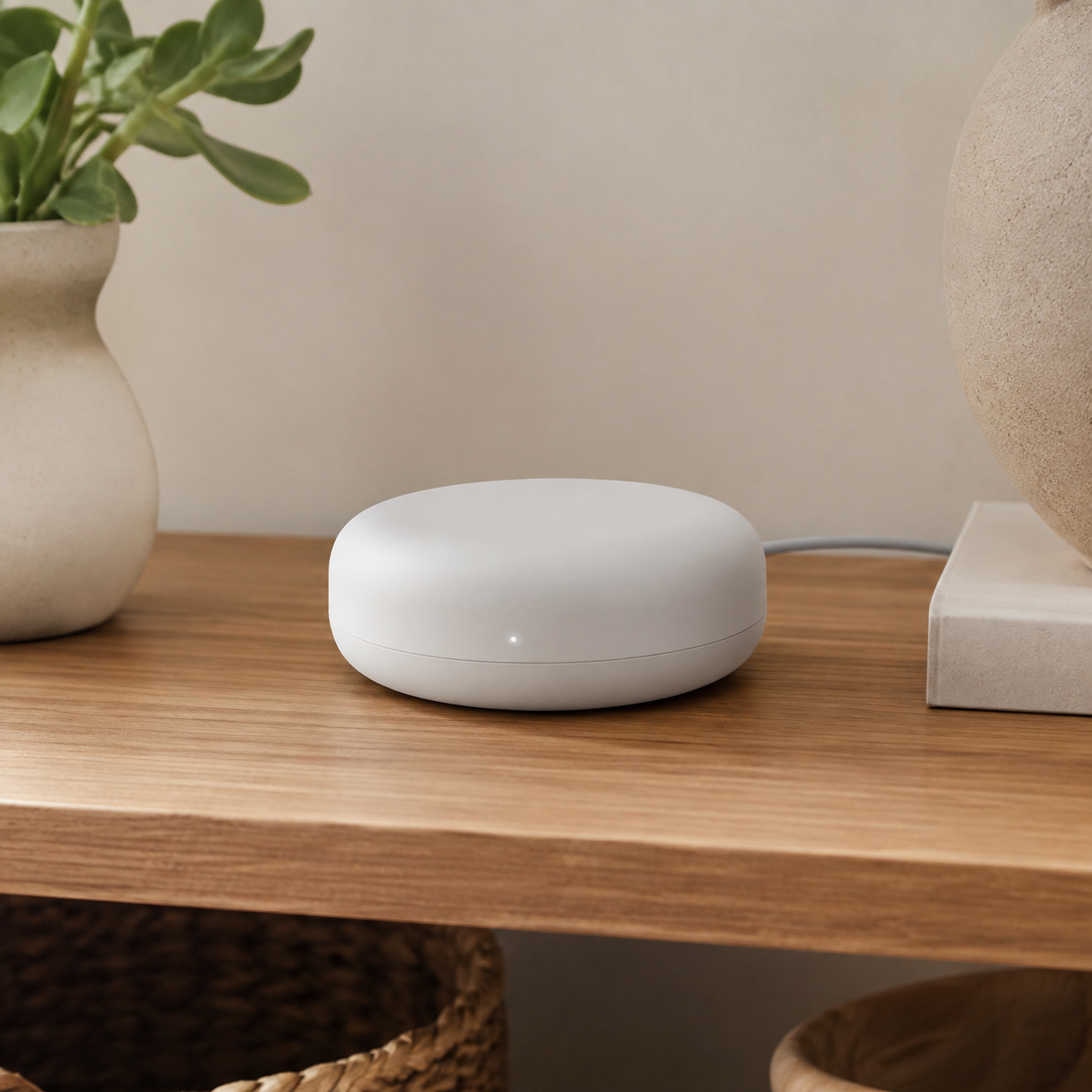
Smart Home Hub Wholesale Guide for Connected Device Buyers
Topic Research and Search Intent
Blog title: Smart Home Hub Wholesale Guide for Connected Device Buyers
Target keyword: smart home hub wholesale
Search intent: B2B buyers want to know which hub is suitable for a connected-device range, how wireless standards differ, what should be tested, and how to prevent compatibility-driven customer support issues.
Why this topic fits a B2B export website: A hub can anchor a larger smart-home program. It supports cross-selling with bulbs, sensors, cameras, speakers, and doorbells while attracting buyers who have already moved beyond impulse product selection.
Introduction
A smart-home hub is a coordinator, not simply another Wi-Fi device. Depending on its design, it may bridge local wireless devices to an app, organize rooms and automations, support selected voice or ecosystem integrations, provide local functions, or connect multiple product categories. That role makes it attractive for retailers and integrators, but it also makes careless compatibility language expensive.
The buyer should begin with the target ecosystem and the actual devices that will be sold together. A hub should be approved through a working product application: add a bulb, sensor, camera or switch; test room assignment; run a basic automation; remove and re-add devices; test router restart behavior; and review what the customer sees in the app. Explore related ByteAero guides for smart LED bulbs, smart security cameras, and smart home devices.
Build a Compatibility Map Before Ordering
List each planned device type, radio protocol, app, region, and function. Buyers often assume that a hub that pairs with one product will manage every similar-looking product. It may not. Compatibility can depend on chipset, firmware, profile, radio version, cloud service, region, or app account. Keep a simple matrix showing what was actually paired and what functions worked.
The Connectivity Standards Alliance explains that Matter uses IP-based technologies to help compatible devices and systems communicate. This is useful context for sourcing, but a buyer still needs an exact model-level confirmation. Ask whether the proposed product is certified, what transport it uses, which device categories are supported, and whether the tested firmware is the firmware scheduled for production.
Hardware, Network, and App Questions
Confirm power input, included adapter, cable, indicator behavior, reset pin or button, Ethernet availability if any, Wi-Fi band, local storage if any, and intended installation location. For a retail starter kit, a small plug-in hub with a simple reset flow may be suitable. For a larger project, stable placement, network behavior, account permissions, and support documentation may matter more.
Test setup on a clean phone and a normal home router. Check account creation, permission prompts, firmware update timing, multi-user access, adding and removing devices, naming rooms, schedules, scenes, and recovery after power loss. Where a hub supports voice platforms or third-party integrations, test the exact feature described in the packaging. Do not rely on a screenshot from another product version.
Factory Testing and Shipment Inspection
Factory testing should verify power-on, reset, indicator LEDs, wireless connection, app onboarding, firmware version, pairing with approved accessory devices, basic automation, and restart recovery. Use a controlled set of golden accessory samples in the test area. Inspect housing gaps, buttons, ports, labels, QR code, serial number, included adapter, cable, manual, and inner packing.
Shipment inspection should repeat the out-of-box process on random packed units. Confirm that packaging names the correct protocol or ecosystem, gives a plain-language device requirement, and includes all setup accessories. Review carton marks and the model number carefully; a hub shipment can be compromised if a regional adapter or firmware variant is mixed into the wrong order.
Supplier Evaluation and RFQ Example
Evaluate whether the supplier can describe its protocol support in precise terms. Ask for compatibility documents, firmware policy, app ownership model, server region considerations, sample-change notice, and after-sales troubleshooting process. A serious supplier will acknowledge feature limits instead of promising universal interoperability.
RFQ example: "We need a smart-home hub for a retail starter range with smart bulbs and sensors. Please quote models with the supported protocol options, English setup guide, US/EU adapter options, branded packaging, and device compatibility list. Confirm app platform, tested devices, firmware update process, sample lead time, production lead time, and shipment inspection procedure."
FAQ
Does a smart-home hub work with every smart device?
No. Confirm protocol, firmware, app ecosystem, region, and actual device category. Use a model-level compatibility test before approving a retail claim.
Why test after a power restart?
Customers expect automations and devices to recover after ordinary power or router interruptions. This test exposes weak onboarding and reconnection behavior before shipment.
What should a starter-kit manual explain?
It should explain power connection, app download, account setup, reset, pairing order, basic placement, included products, and where to get support. Keep language clear and specific to the approved product.
Image Planning and AI Generation Prompts
Image 1 purpose: Ecosystem application image.
Insert position: After "Introduction".
Caption: "Hub selection begins with the devices and customer workflow it must coordinate."
ALT text: "Smart home hub connecting lighting and security devices in a modern home"
AI image prompt: "Authentic high-end smart home product photography, one compact smart home hub on a side table with a smart bulb lamp and indoor camera visible in the room, realistic home, natural light, no text, no logos, no CGI."
Image 2 purpose: Functional testing image.
Insert position: After "Factory Testing and Shipment Inspection".
Caption: "A hub should be tested with approved companion devices, app onboarding, and restart recovery before production release."
ALT text: "Asian technician pairing smart home hub with connected devices at factory test bench"
AI image prompt: "Realistic electronics factory documentation photo, Asian technician pairing a compact smart home hub with smart bulb and sensor using a smartphone at a clean test bench, visible test labels but no readable text, natural industrial light."
CTA and Inquiry Popup Plan
Mid-article CTA position: After "Factory Testing and Shipment Inspection".
CTA text: Send Your Requirements
End CTA position: After "Conclusion".
CTA text: Contact Us
Popup trigger suggestion: 40% scroll, 30 seconds on page, or exit intent.
Popup title: "Build a Compatible Smart-Home Range"
Popup copy: "Tell us which device categories, markets, connection standards, and packaging options you need."
Suggested form fields: Name, Email, Phone, Company, Country/Region, Device Categories, Quantity, Message.
Submit button text: Request Product Matching
Conclusion
Smart-home hubs should be sourced through a compatibility plan, not a generic feature list. Define companion products, test every customer-facing workflow, keep firmware and packaging under change control, and inspect the finished shipment against a golden sample. ByteAero can support practical smart-home product matching for distributors and retailers. Send your requirements to start the conversation.